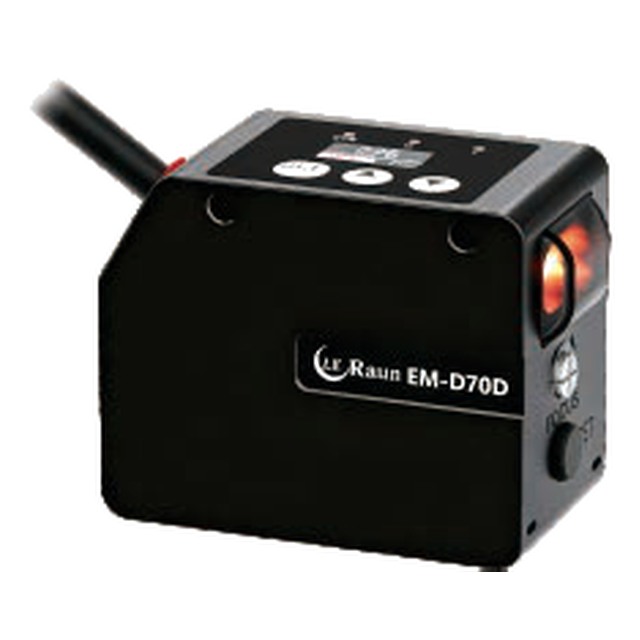
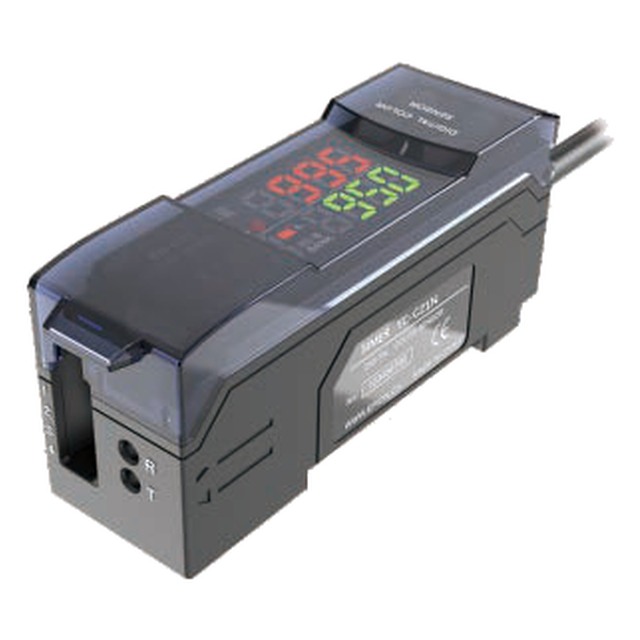
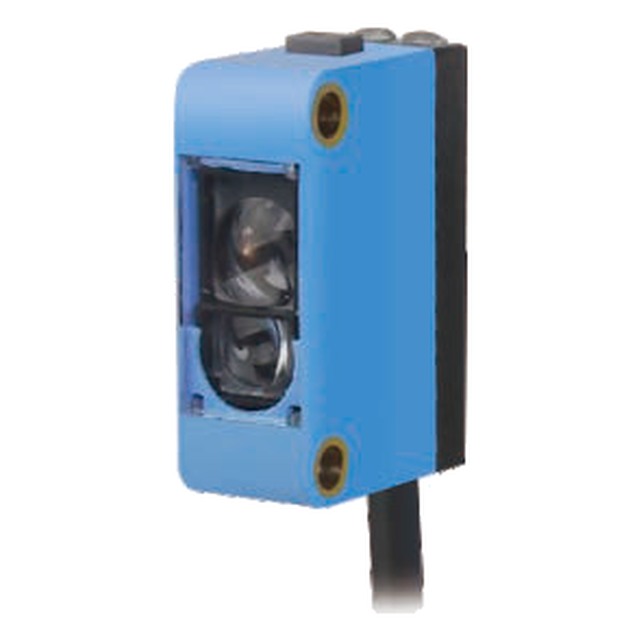
Registration on a packaging machine
The display shows the mark contrast while the line runs, so a fading print ribbon is visible before it causes a missed mark.

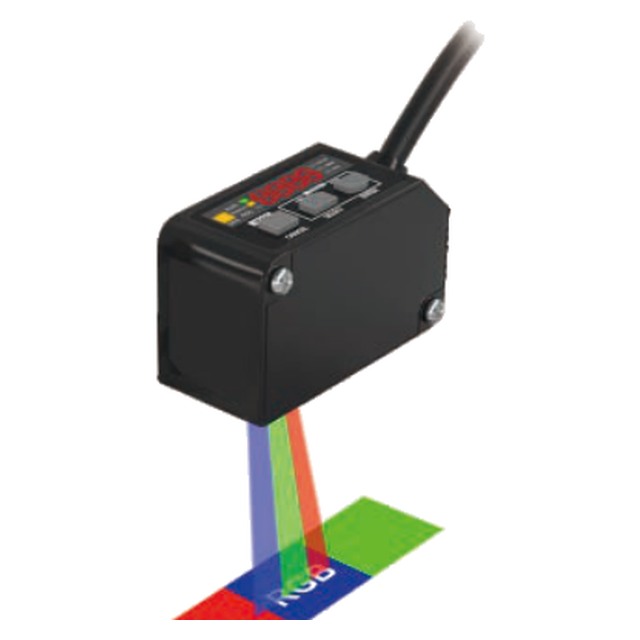
A colour sensor with an OLED display, an RGB three-colour LED and a 1–9999 ms timer, for setup without a laptop and verification wi
Model EM-S11N-1 / EM-S11N-2 · Brand LE Raun · Category: Color Sensors
Most colour sensors are configured once and then hidden inside a panel. The EM-S11N takes the opposite approach: the setup interface is on the sensor, on a 2-inch OLED that shows the received level in each channel, the taught threshold and the current output state.That changes what maintenance looks like. When a mark starts to miss, the operator can see whether the contrast has fallen — a worn print ribbon, a dirty lens, a different substrate — and re-teach on the spot instead of calling an engineer with a laptop.The two outputs are independently assignable, the response can be set from 80 µs to a long averaging window, and the timer covers 1–9999 ms in five modes. Red, green, blue and white illumination is selectable, so one part number covers a range of print colours.
The display shows the mark contrast while the line runs, so a fading print ribbon is visible before it causes a missed mark.
Confirms that the correct product is in the case by its colour code, with the output delayed to the reject station.
Detects a coloured orientation mark on a sleeve before it is fitted.
The sealed body with a display cover is fitted where an operator needs to see the reading without opening the cabinet.
Replaces a discrete colour-mark sensor without adding a teach pendant or a configuration laptop to the line.
| Model | EM-S11N-1 (NPN) · EM-S11N-2 (PNP) |
|---|---|
| Control output | NPN / PNP open-collector, 24 V, max 100 mA (main unit only) · residual voltage 2 V · max 40 mA with extension unit connected |
| Light source | RGB three-colour, 4-element LED |
| Response time | 80 µs (C / CI mode) · 35 µs (MARK mode) |
| Output port | 1 output port, with short-circuit protection and automatic anti-interference function |
| Output selection | LIGHT-ON / DARK-ON, selectable via key menu |
| Status indicator | Operation indicator: red LED · OLED display |
| Timer function | Off-delay / On-delay / One-shot timer selectable, 1–9999 ms |
| Product application | Colour identification, mark detection and colour-mark management; resistant to a range of substrate colours |
| Detection distance | 18–30 mm with the EM-S11N(P) integrated colour-mark head |
| Item | Value |
|---|
The 25 × 35 mm face is the sensing side and the 57 mm is the depth behind the panel — the two Ø4.5 holes are the only fixing, so the bracket has to hold both.
| Lead | Colour |
|---|---|
| 2 | Blue |
| 3 | Black |
| 4 | White |
| 5 | Grey |
A mark on a web (colour mark), a printed colour against a reference (ΔE), or a shade that the eye cannot separate. Mark sensors work on contrast and are fast; the digital types work on a colour value and are repeatable.
The spot must be smaller than the mark for a mark sensor, and must sit entirely on the colour to be judged. A 2 mm spot on a 1 mm print register mark reads the paper as much as the ink.
White light separates similar colours; a single-colour LED is more robust on a shiny substrate but blind to metameric pairs. Where the colour difference is small, ask for the RGB-difference version rather than a contrast sensor.
Where one machine runs several products, order the version with four or eight stored references and switch them from the recipe in the PLC.
Received intensity per channel, the taught value and the output state are all on the sensor. An operator can re-teach a mark after a substrate change without opening a laptop.
Red, green, blue and white are switchable from the menu, so the light that gives the best contrast can be chosen on the machine instead of ordering a different sensor.
The 1–9999 ms range covers both “hold the output long enough for the PLC” and “delay the output until the pack has moved”, with the value shown on the display.
Only the output transistor: E1 is NPN (sinking), E2 is PNP (sourcing). The optics, the display, the timer and the light sources are identical.
Yes — the output selection can be set to manual or locked through COM switching, so a line operator cannot change a taught value by accident.
When the mark or the substrate changes during a shift, or when the person who re-teaches it is not the person who commissioned it. The display pays for itself the first time a mark has to be re-taught without a laptop.
Send your application details or the guard opening dimensions and we will specify the right model and configuration for your machine.